

Send money
Transfer by account number with a reason and an optional reference note.
Deir ez-Zor · Android
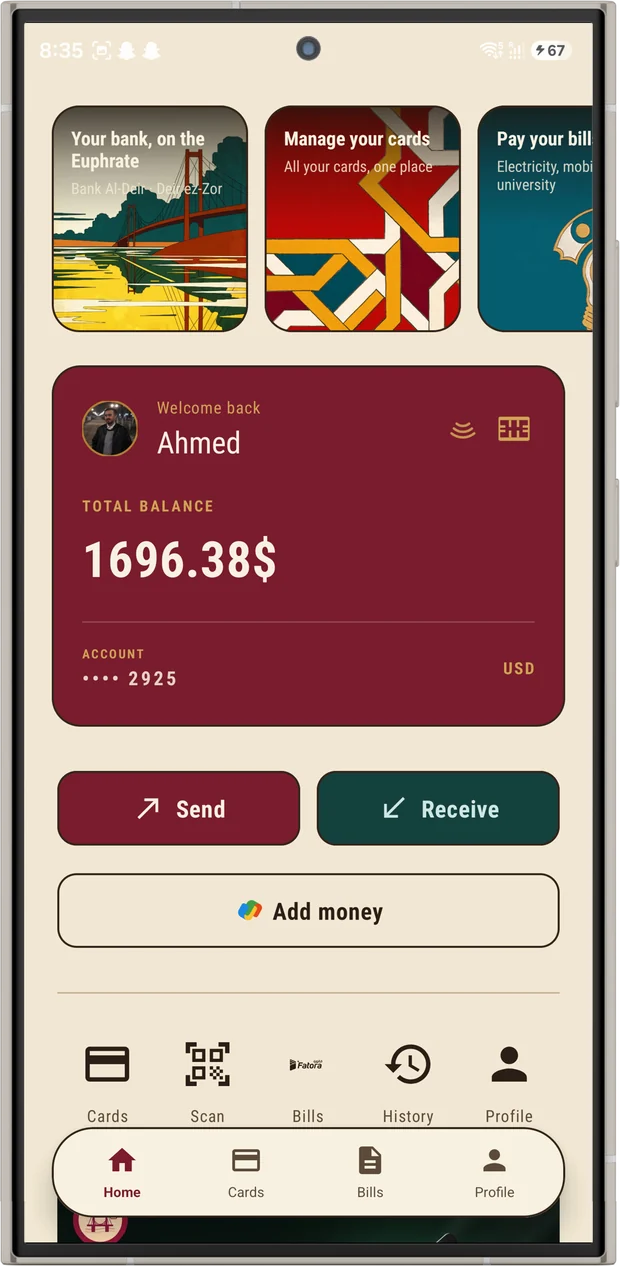
Send and receive money, pay your mobile and electricity bills, and keep every card in one place. Built for Deir ez-Zor, in Arabic and English.
Bank Al-Deir is a demonstration project built to explore Android, Kotlin and Firebase. It holds no real money and processes no real payments.
The card range
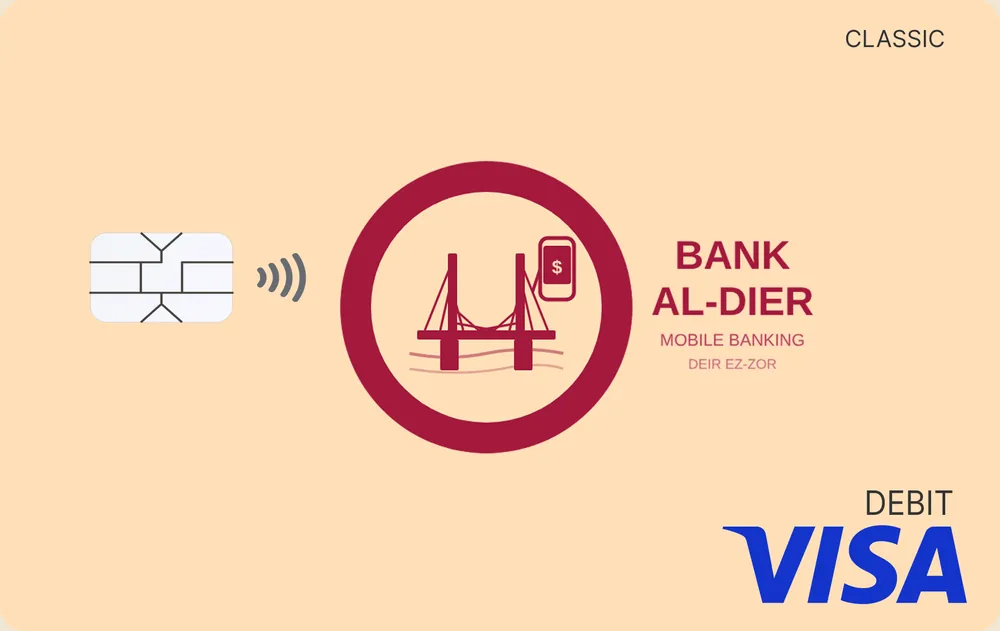
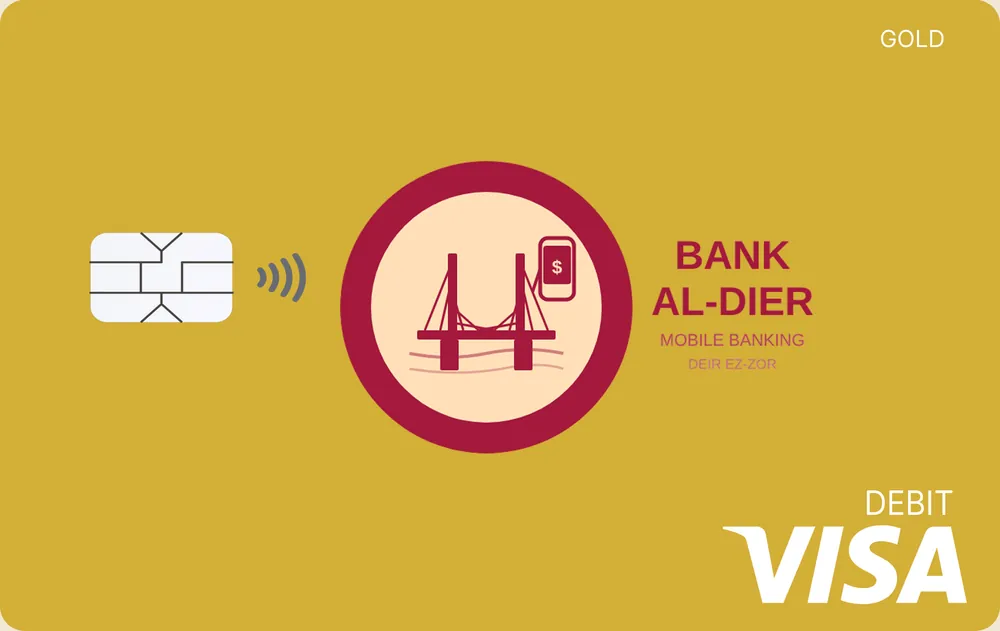
Every card carries the bridge seal, a chip and contactless. Tap any card to see the back.
Classic
Gold
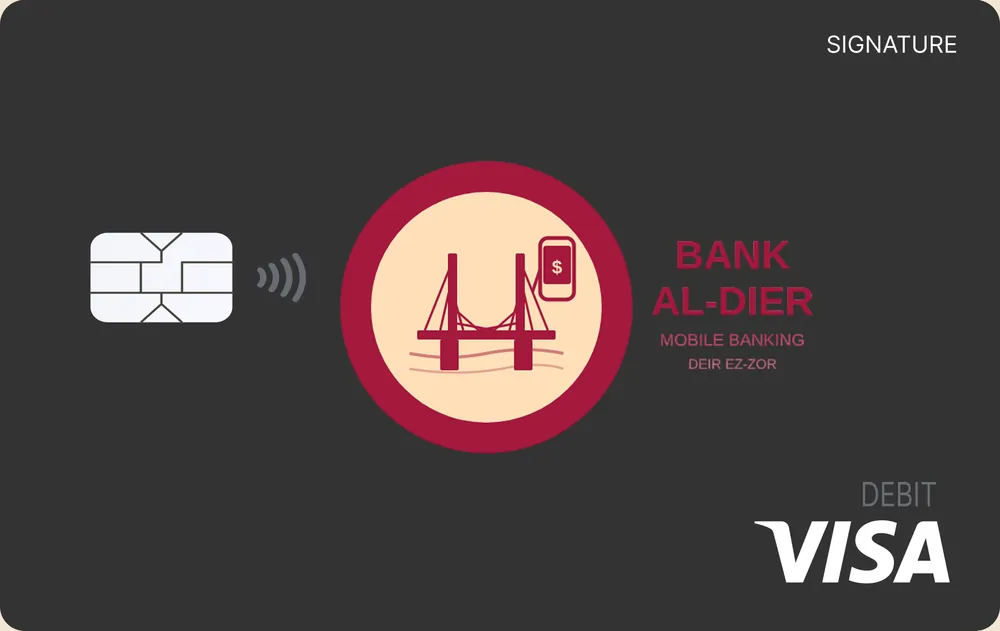
Signature
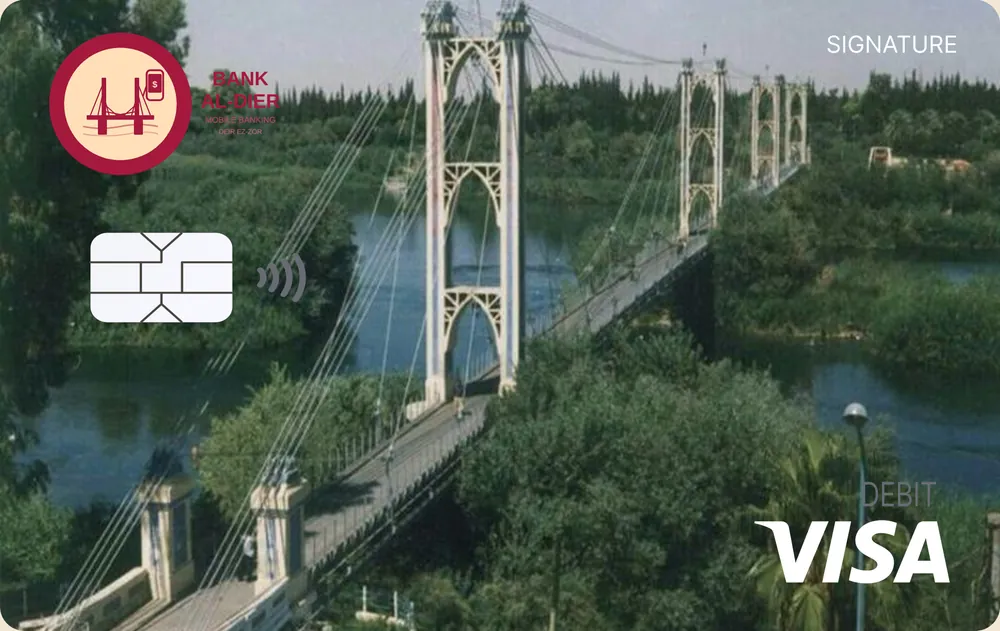
Signature
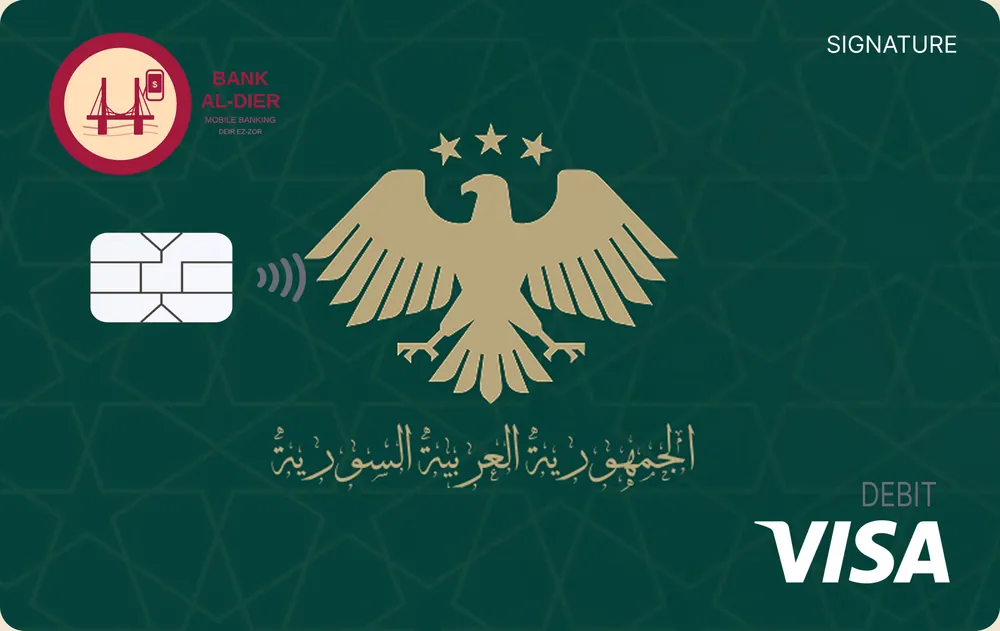
Signature
What it does
Nine capabilities, all working against a live Firebase backend.
Transfer by account number with a reason and an optional reference note.

Share your account details or a QR code and get paid straight into your balance.

Point the camera at a QR code to settle a transfer without typing an account number.

Hold several cards at once, reveal a number when you need it, and lock one instantly.
Top up MTN, Syriatel or Syrian Telecom, and settle electricity bills in SYP.

Issue and settle invoices, with cash back on the Fatora card tier.

Every movement, dated and categorised, with the running balance beside it.
A PIN lock on every launch, Firebase Authentication, and 3-D Secure on card payments.
Security

Getting started

Install the APK on any device running Android 8.0 or newer.
Sign up with an email address. An account number and IBAN are generated for you.
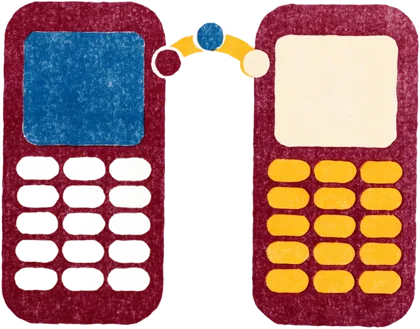
Send, receive, scan a QR code, or pay a bill from your balance.
Download
Install the APK directly, or clone the repository and build it yourself.
Bank Al-Deir is a portfolio and educational demonstration project. It is not a licensed bank, is not affiliated with any financial institution, and provides no real financial services, deposits, or payment processing. Balances and transactions shown anywhere on this site or in the app are sample data.