1
Download
Install the APK on any device running Android 8.0 or newer.
Real screens
Screenshots from the current build running on a Galaxy S24 Ultra.
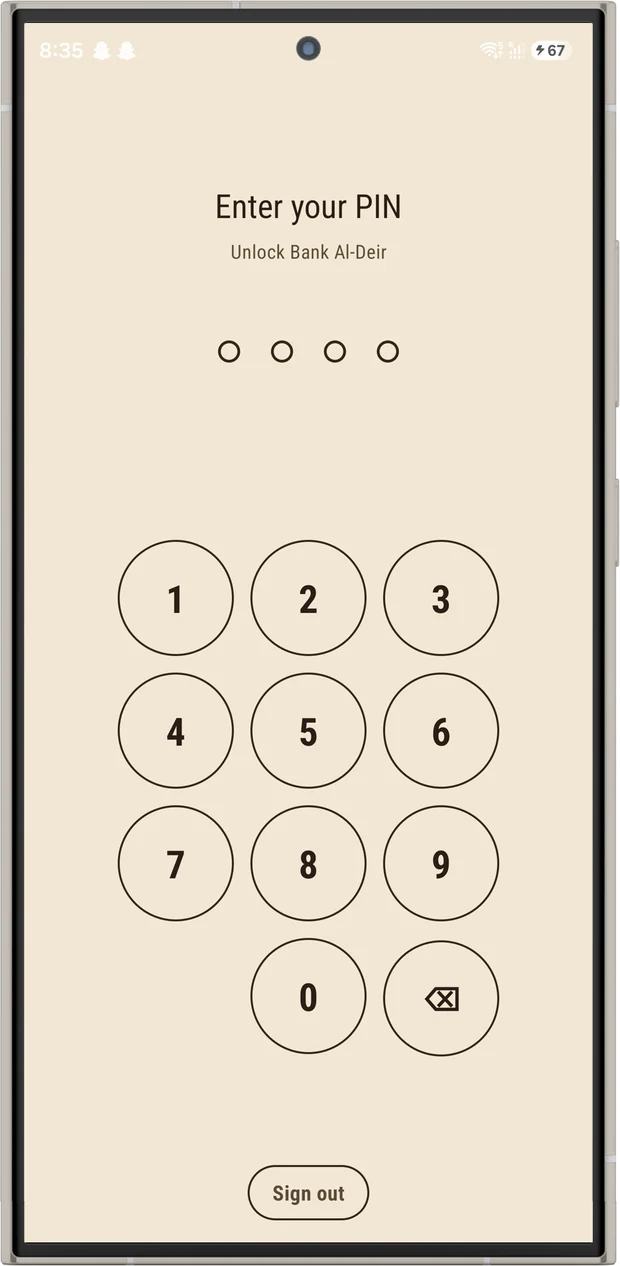
Every launch starts here.
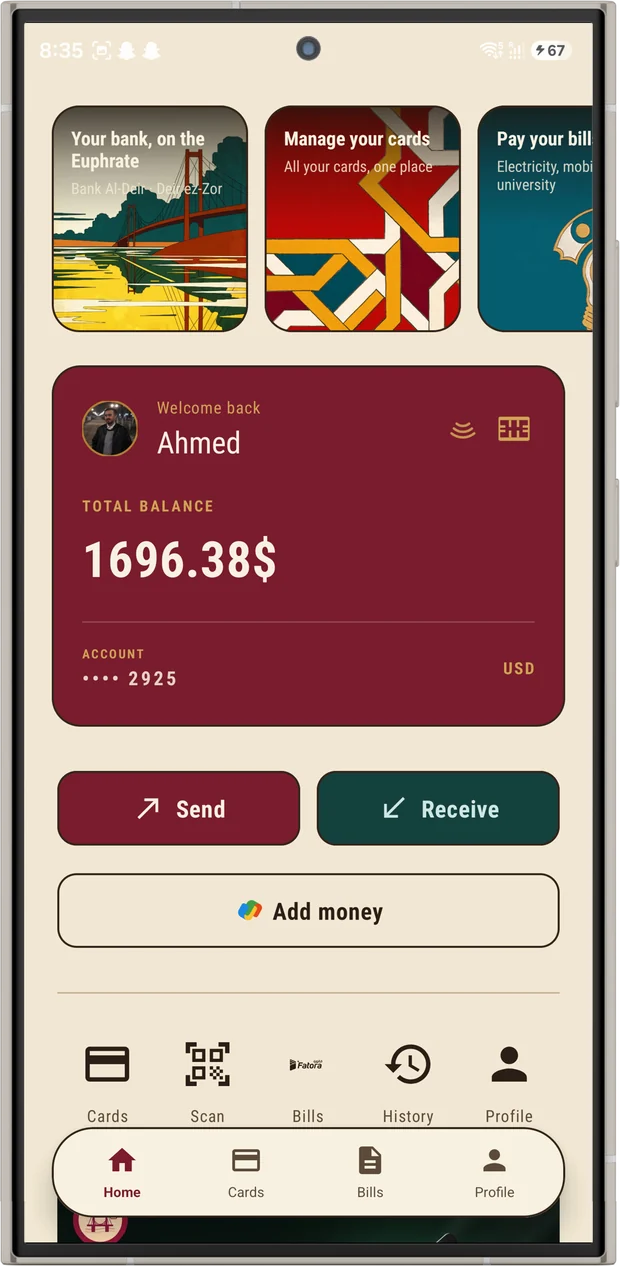
Balance, quick actions, and the card carousel.
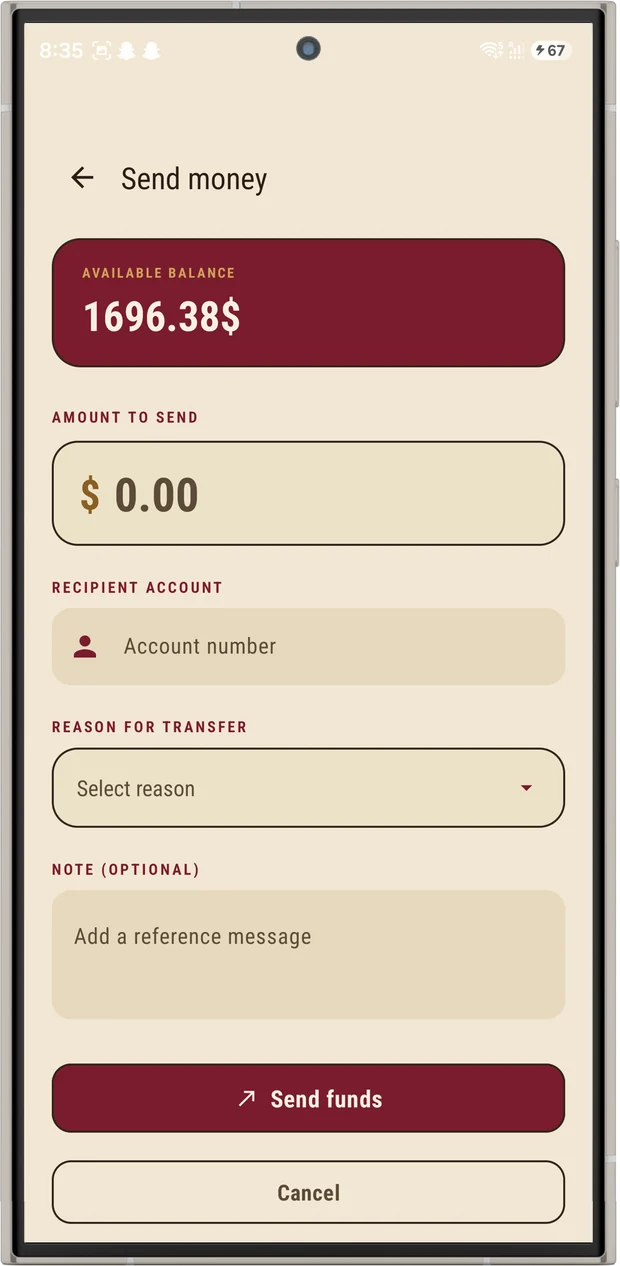
Amount, recipient, reason, note.
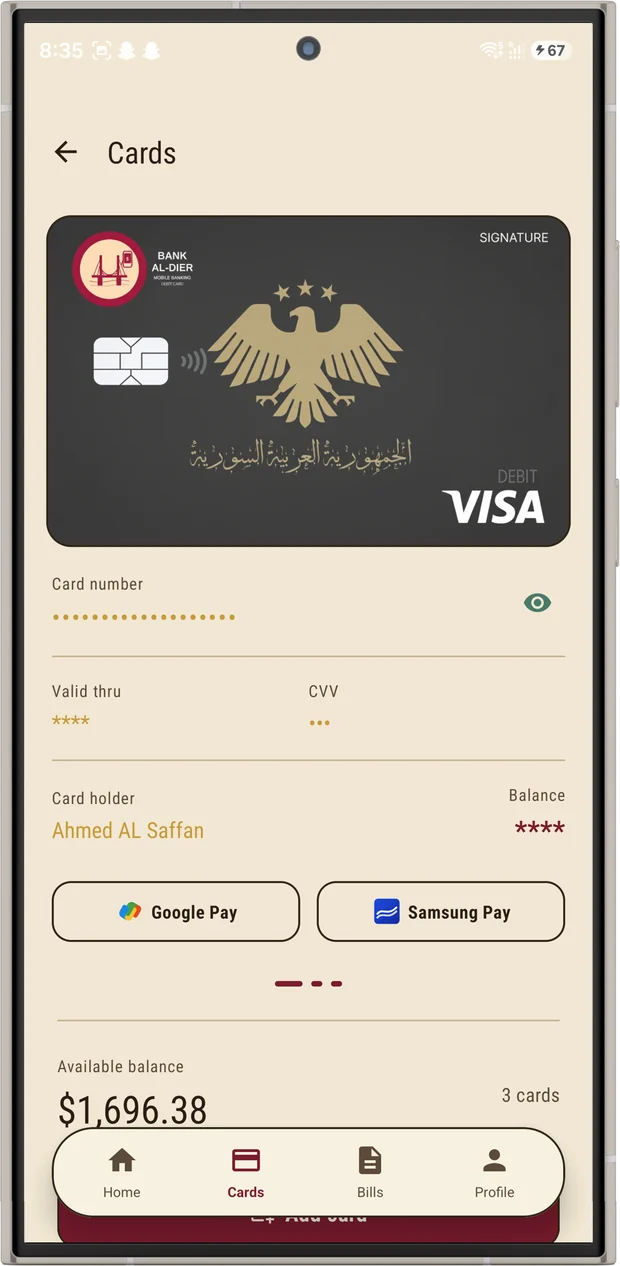
Reveal, lock, add to a wallet.
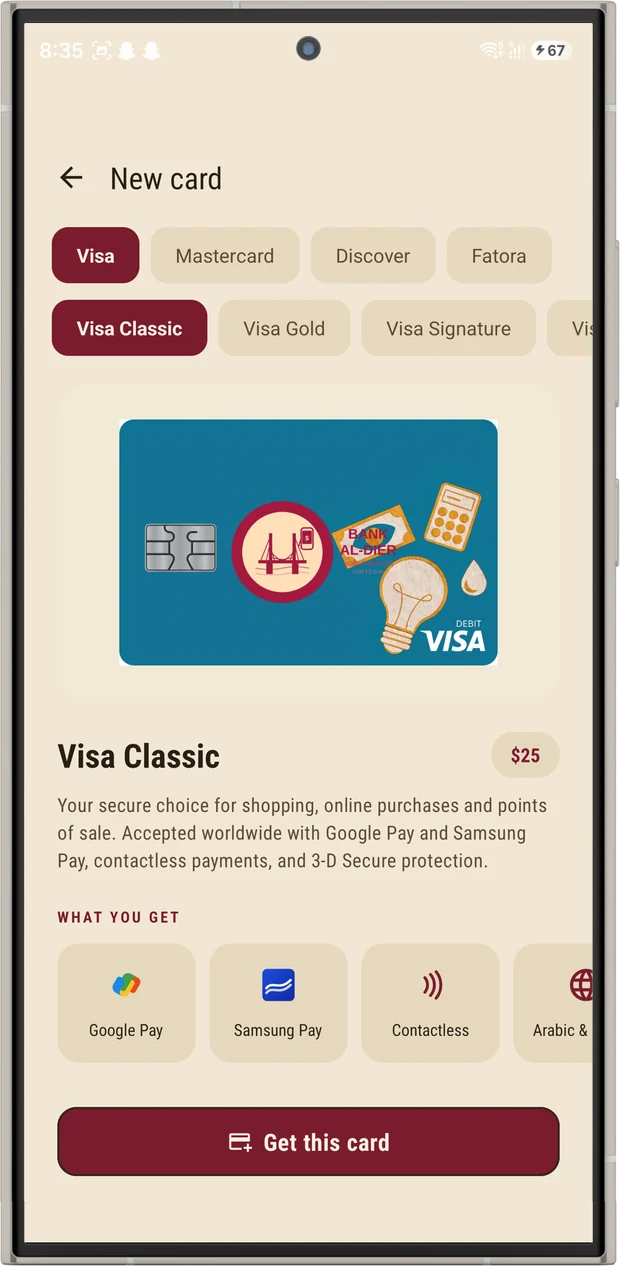
Choose network, tier and face.
Getting started
Install the APK on any device running Android 8.0 or newer.
Sign up with an email address. An account number and IBAN are generated for you.
Send, receive, scan a QR code, or pay a bill from your balance.
Download
Install the APK directly, or clone the repository and build it yourself.
Bank Al-Deir is a portfolio and educational demonstration project. It is not a licensed bank, is not affiliated with any financial institution, and provides no real financial services, deposits, or payment processing. Balances and transactions shown anywhere on this site or in the app are sample data.